Dev log
Piranesi #3
Building a procedural labyrinth generator - the hard way
How to build tools for Unity
Unity is an incredibly powerful game engine, but building custom editor UIs can be a real pain.
A webapp
I decided to try a data-driven approach: vibe-code the labyrinth generator in Javascript, export the map as JSON, and import it into Unity.
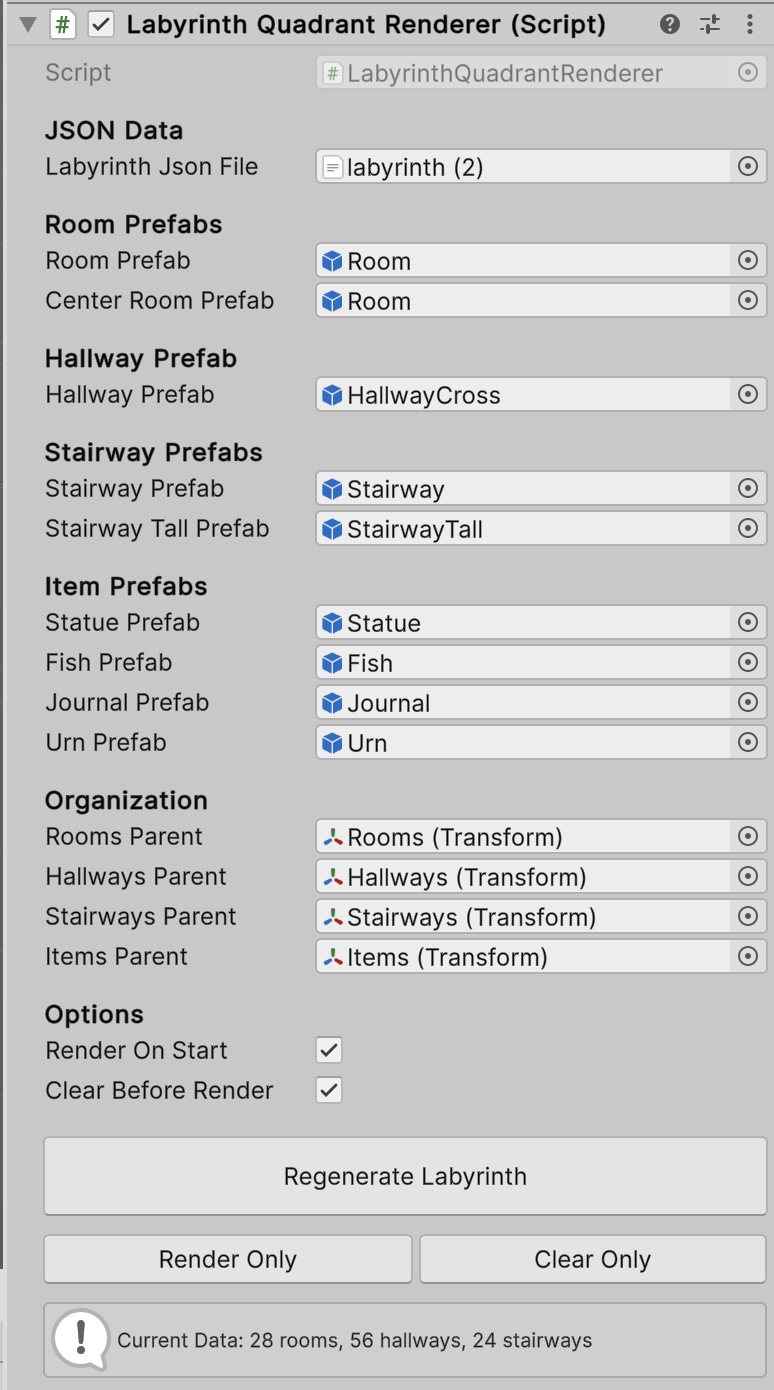
A component
The Unity component reads the JSON and places objects accordingly. It also decides which doors to block or show, so I don’t have to design a million pieces. Stole that idea from Lethal Company’s facility doors.
MST Algorithm
An MST (Minimum Spanning Tree) algorithm finds the cheapest way to connect all nodes in a graph without creating cycles. Think of it like connecting cities with roads using the least amount of pavement possible.
Nodes-First
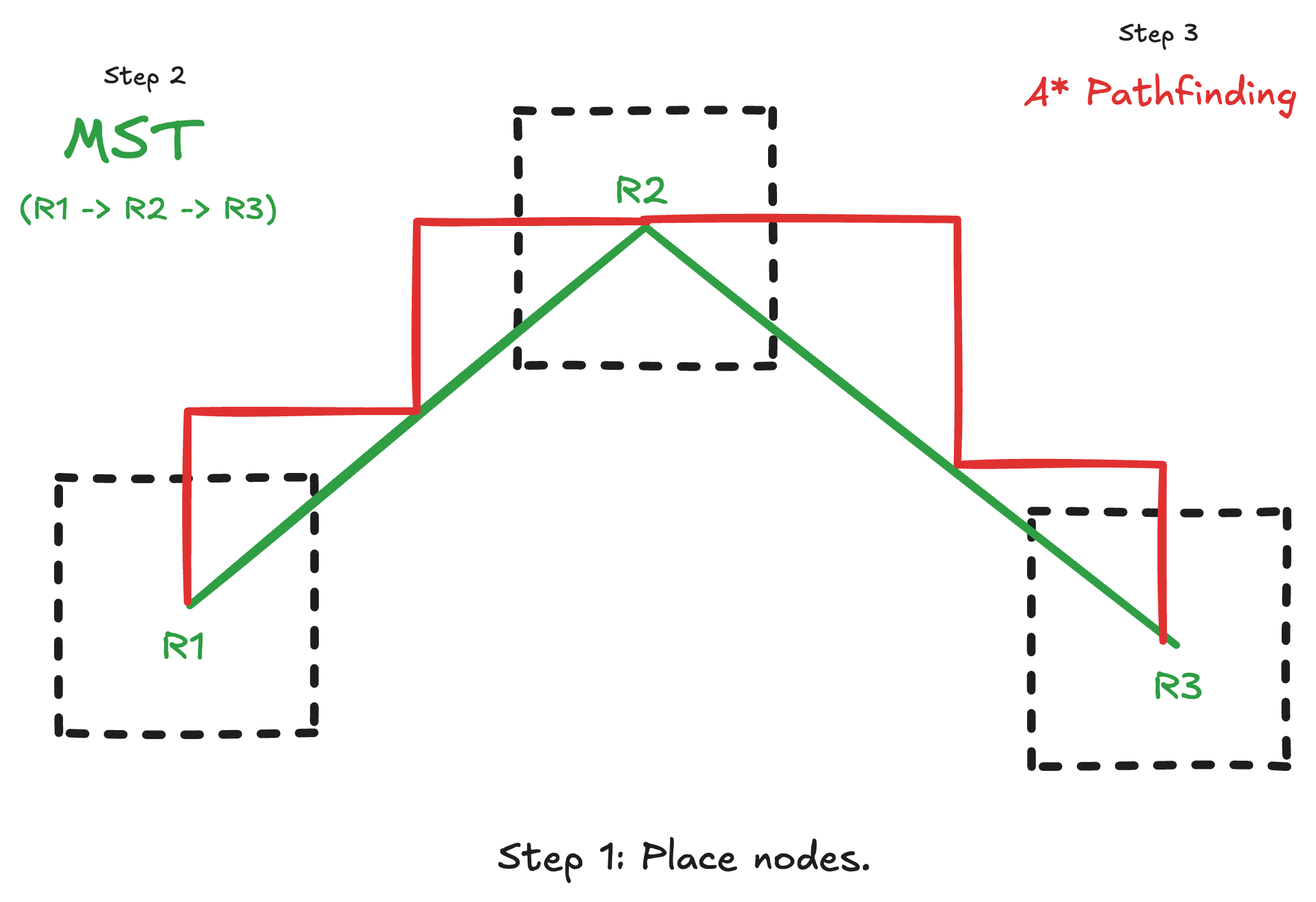
I start by placing rooms on a grid, then use MST to figure out which rooms should connect. But MST only tells me what to connect—not how to draw the hallways between them. That’s where A* pathfinding comes in.
Here’s the process:
- Place rooms on the grid
- Use MST to determine which rooms connect
- Use A* to draw actual hallways between them
“Connectedness” slider
I modified the MST algorithm with a slider that controls how “expensive” connections can be:
- 100% = Rooms connect to their nearest neighbors (cheap, compact)
- 0% = Rooms connect to distant nodes (expensive, sprawling)
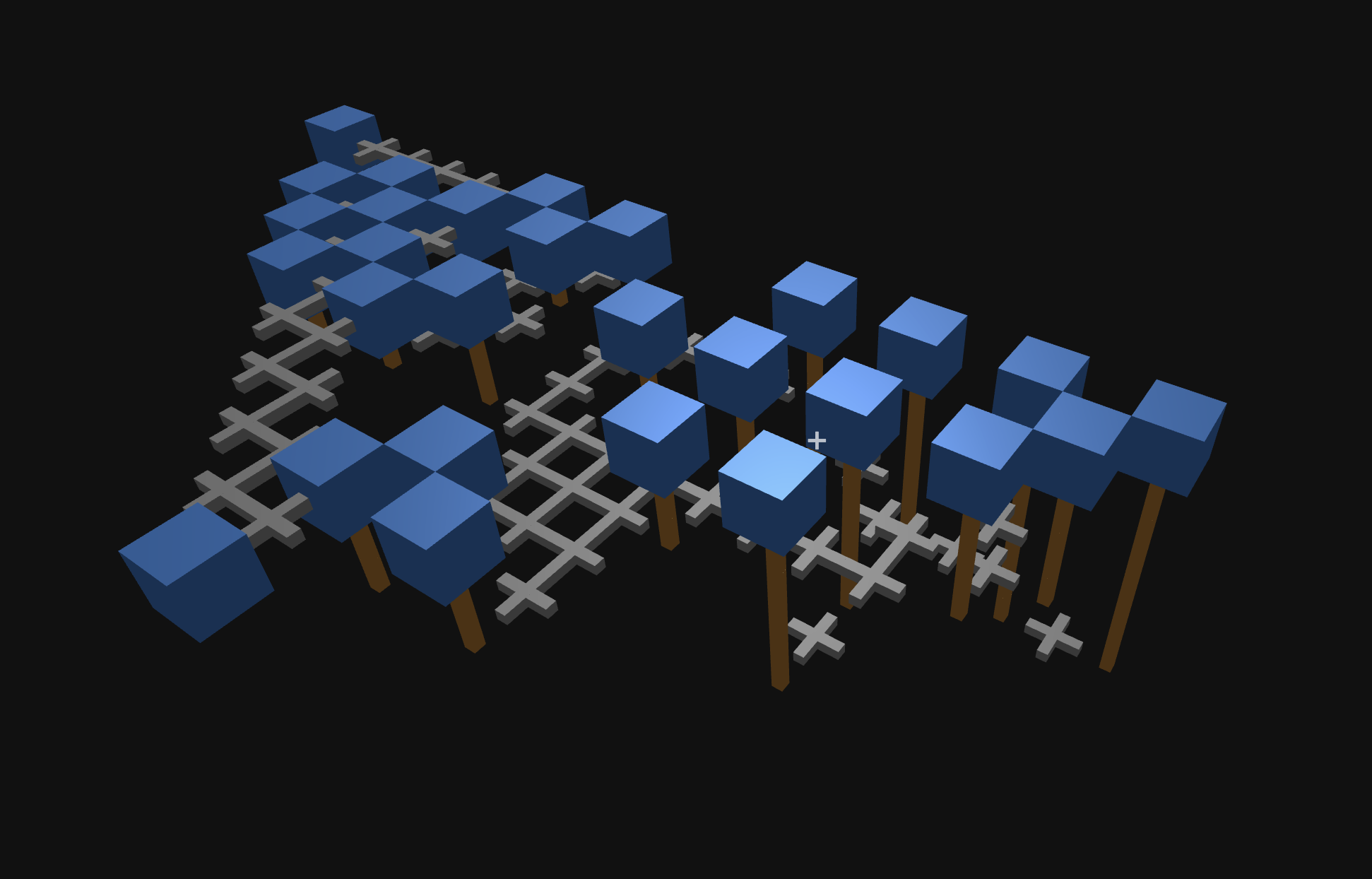
This creates a problem: sometimes hallways need to pass through other rooms. That’s impossible with flat geometry… unless I add verticality.
Deadly Stairs
The only enemy in the labyrinth is the tide—rising water that floods the lower levels. I wanted to make some areas more dangerous by forcing players into confined, maze-like spaces below ground level.
When the water rises, you need to find high ground (a room) to survive.
Piecing together a seamless labyrinth
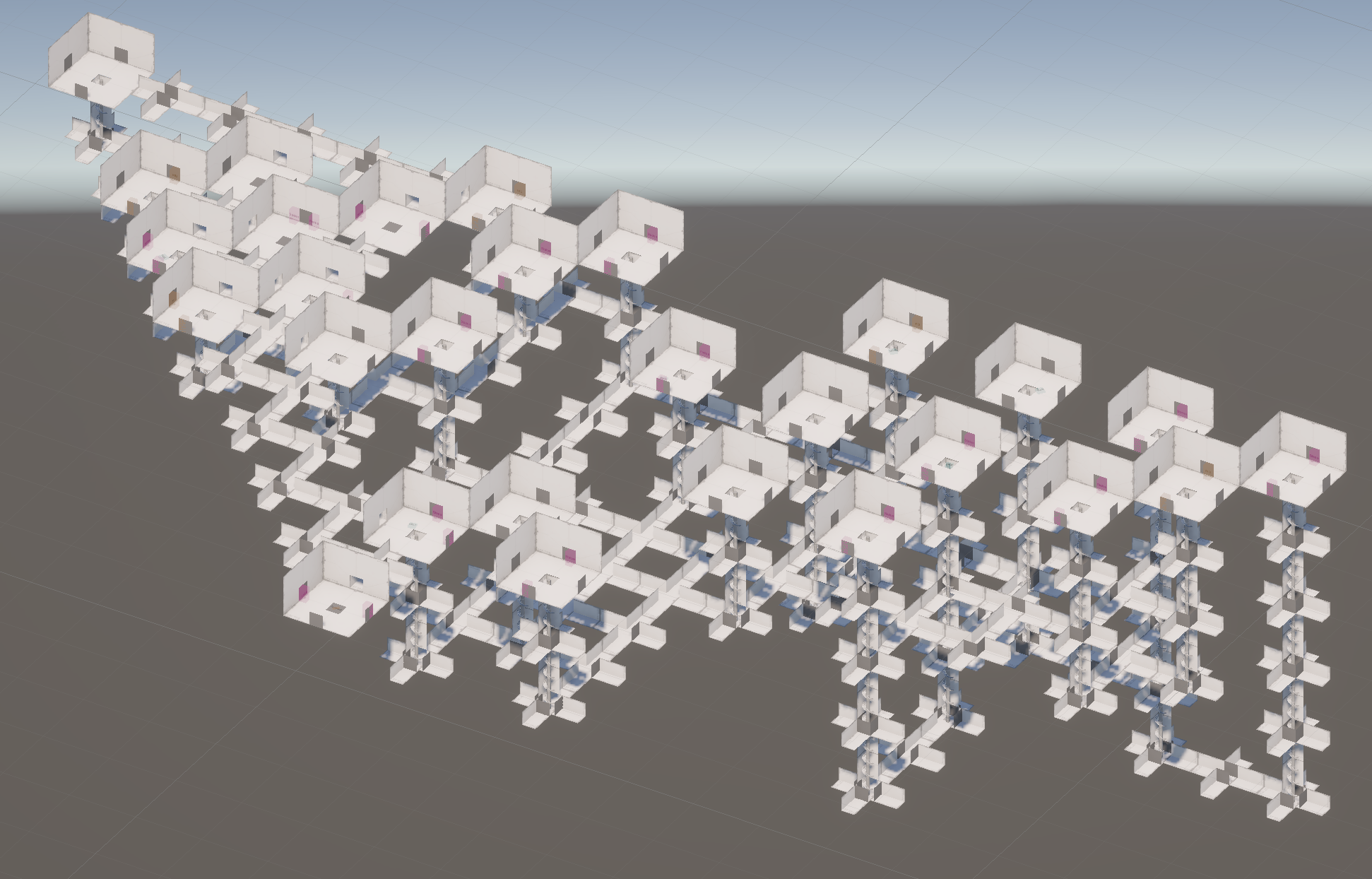
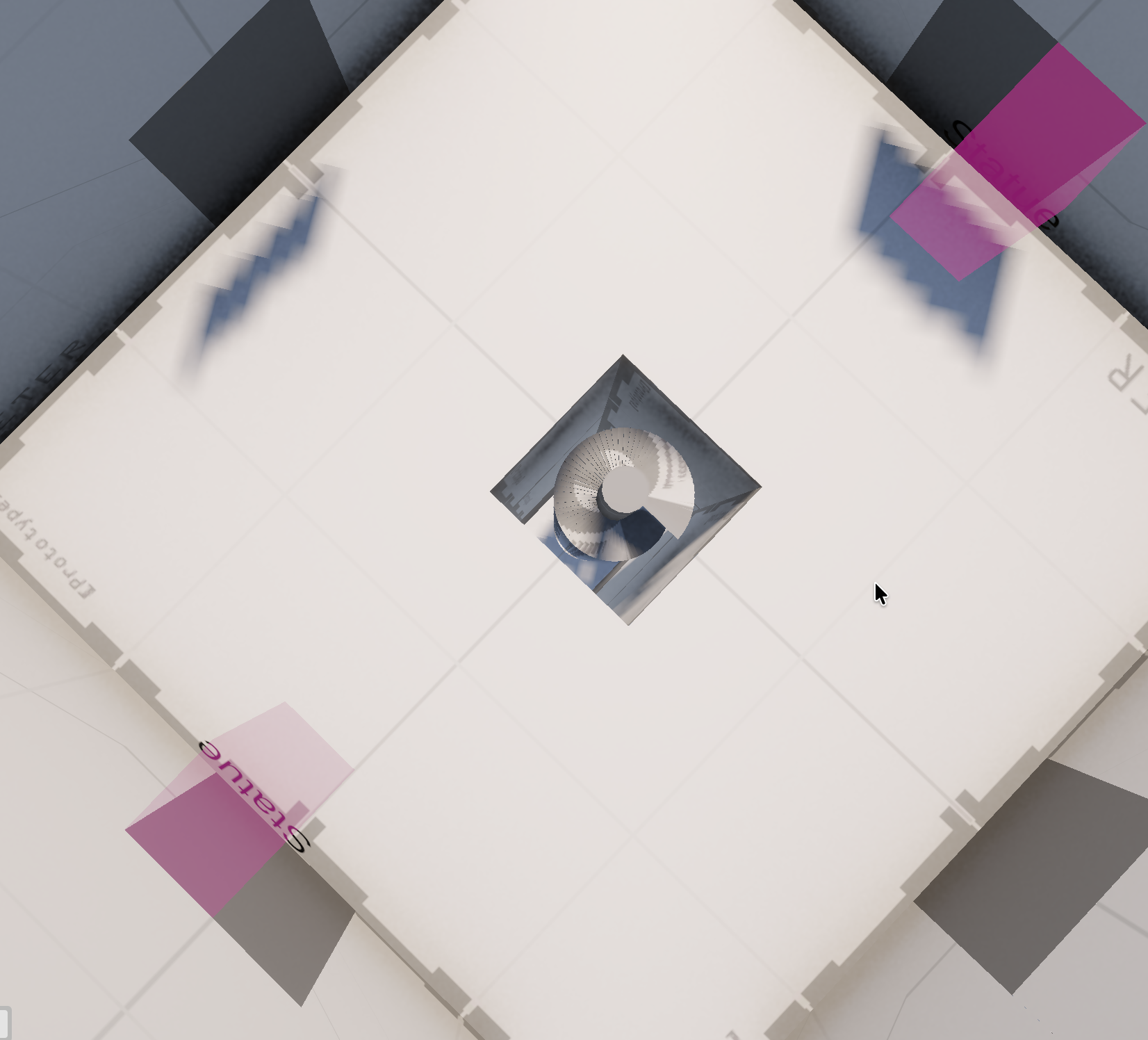
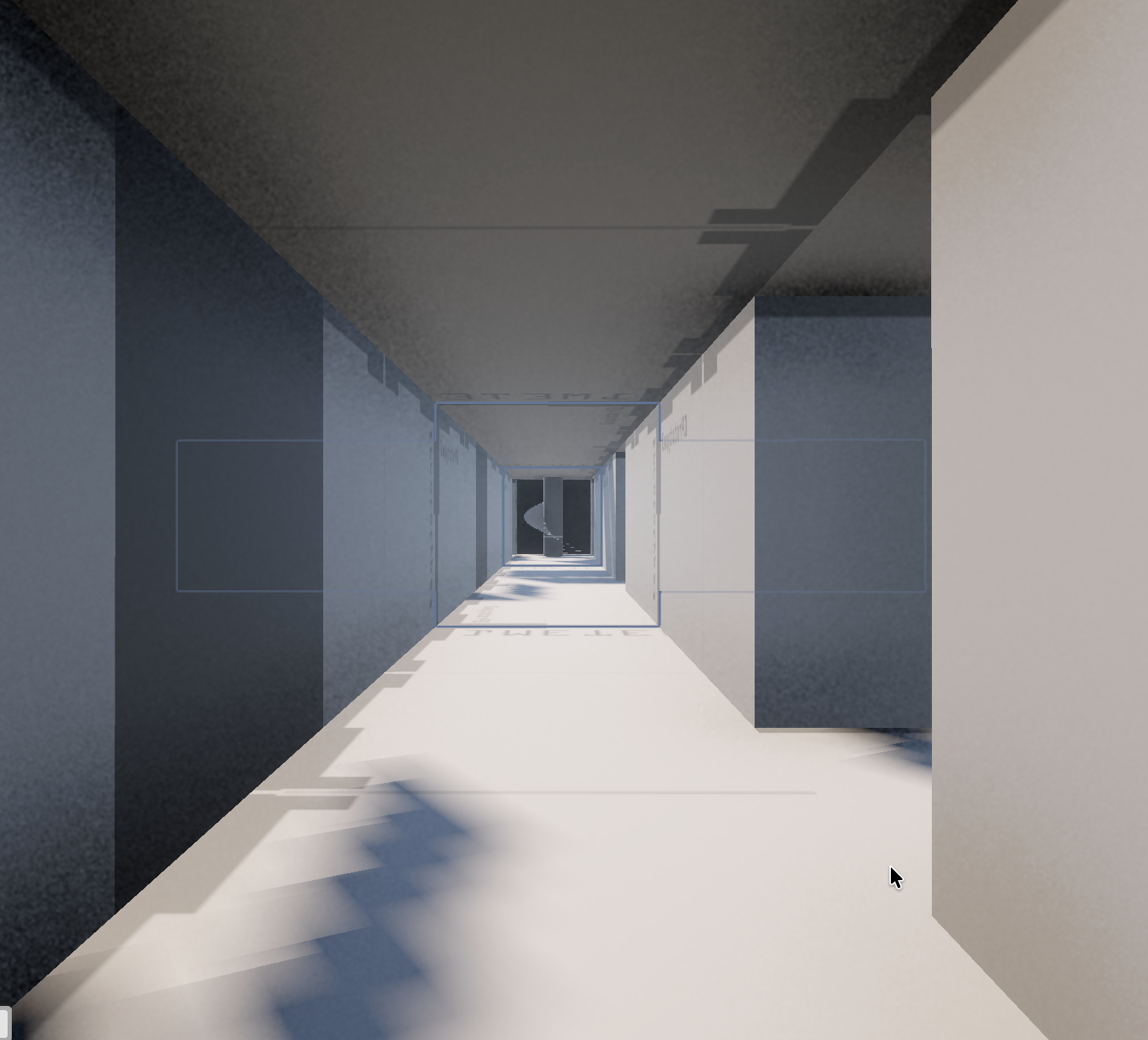
Placing rooms, running pathfinding—that’s the easy part. The hard part is making a seamless interior that feels cohesive, not like a bunch of disconnected pieces.
This was the most important step: measuring everything precisely so I could stylize it later without gaps or overlaps.
Filling out the rooms
Fish, statues, urns, and journals
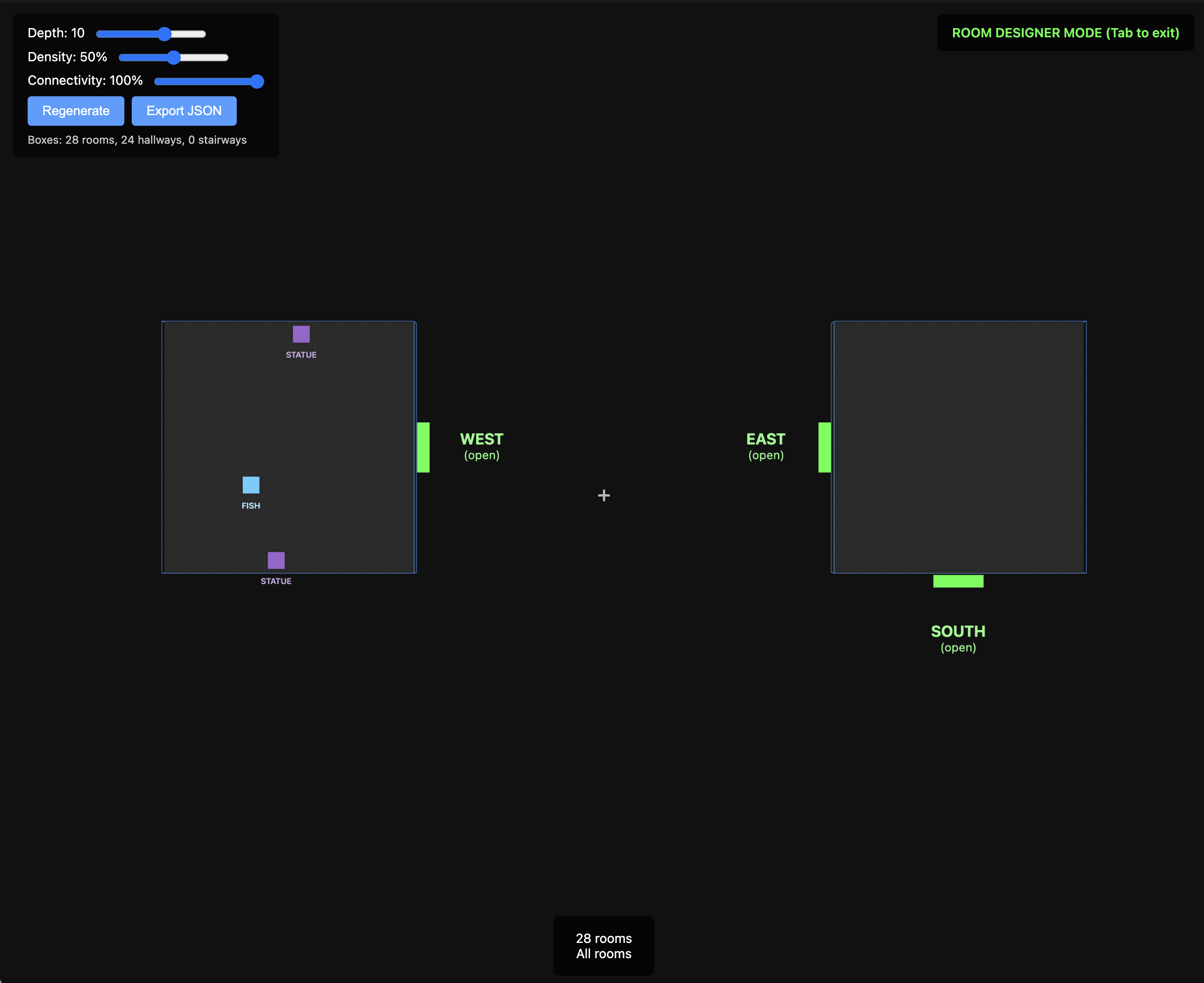
I vibe-coded a “Room Designer” tool—an infinite canvas where I can drag objects around and preview what gets placed in-engine.
There are four things that generate randomly:
- Statues — the photo-snappable objectives
- Urns — decorative fakes to throw you off
- Journals — mysterious lore books
- Fish — food (you gotta eat something)
Making them prefabs
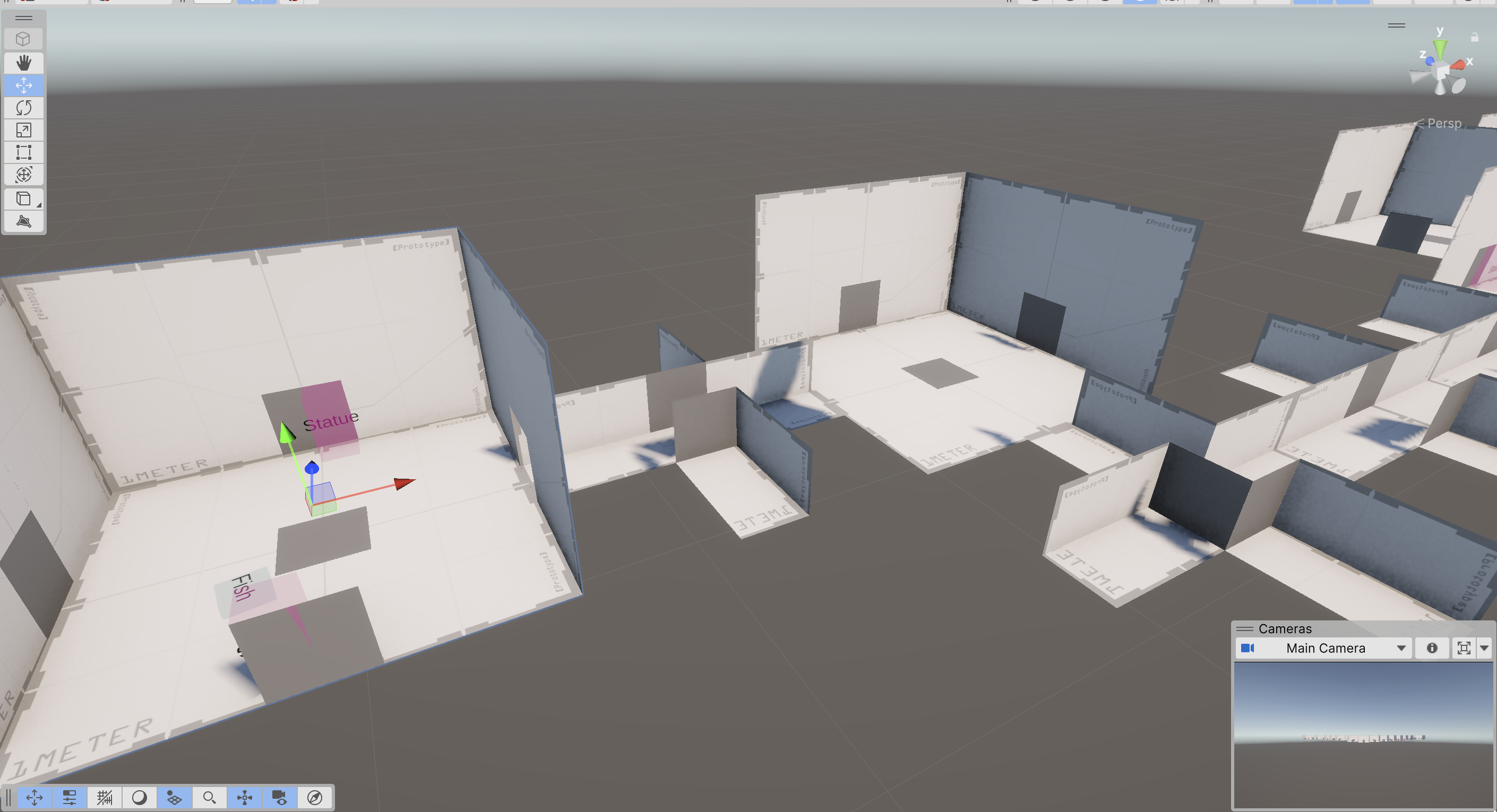
I added prefabs for each object type, wrote some JSON parsing, and… voilà:
Next steps
There’s still a lot to do with just the labyrinth alone—not to mention the hunger mechanic, the shopkeeper, multiplayer (someday), and the tide itself. Making games is hard!
I need to steel myself and stop polishing the labyrinth until I have a hunger system working. Gotta get my head out of the gutter.